“Who has the drill?”
Every loan records the borrower, how many and when it is due. Overdue loans are labelled in words, not only in colour.
For Mac, iPhone and iPad
Kittori is a calm, private inventory for the equipment you look after — tools, camera gear, camping kit, club and studio equipment. Track every item, lend it with a due date, schedule its care, and keep it all on your own devices.
Coming to the App Store One purchase for Mac, iPhone and iPad. Not available to buy yet.
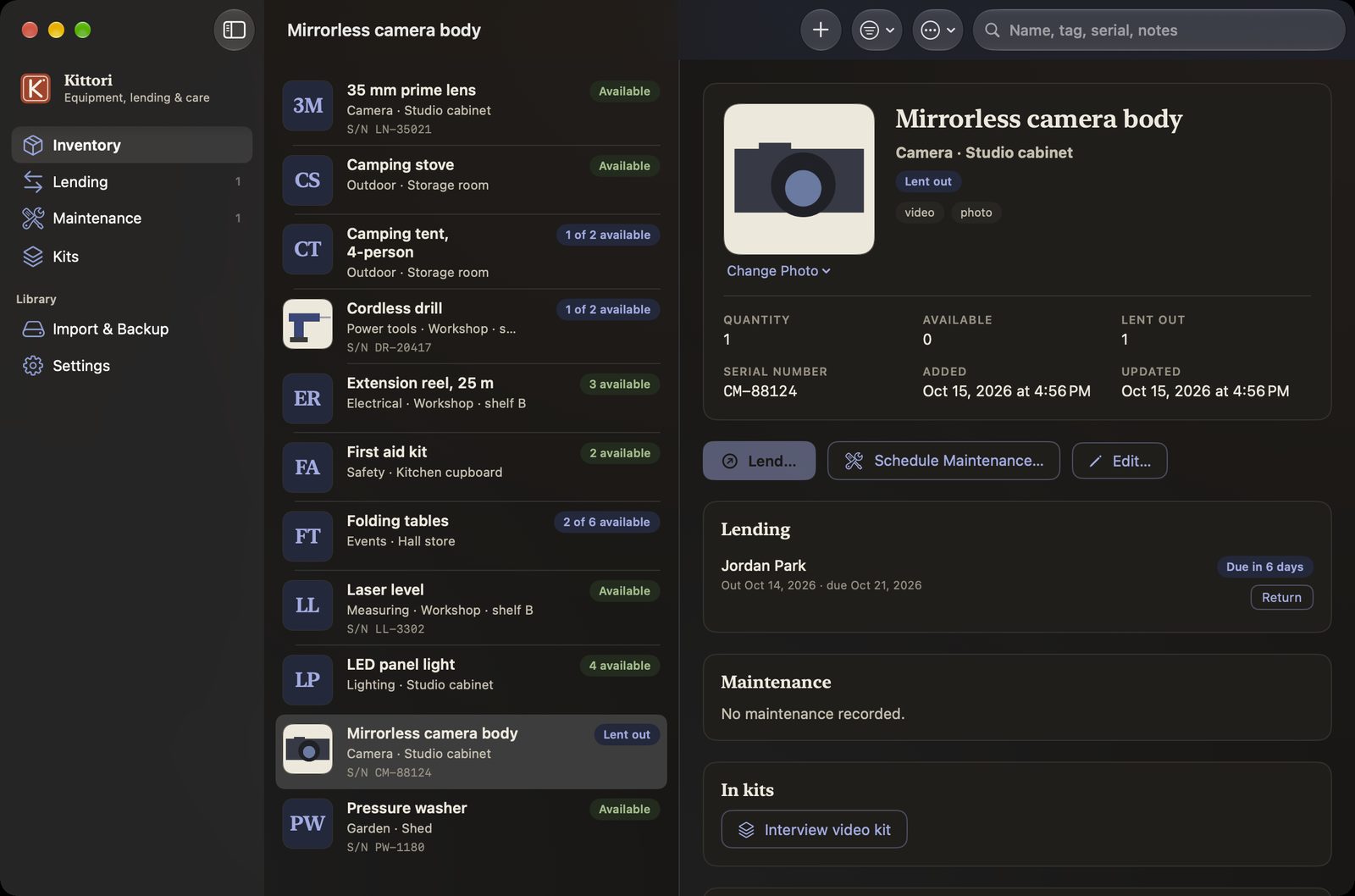
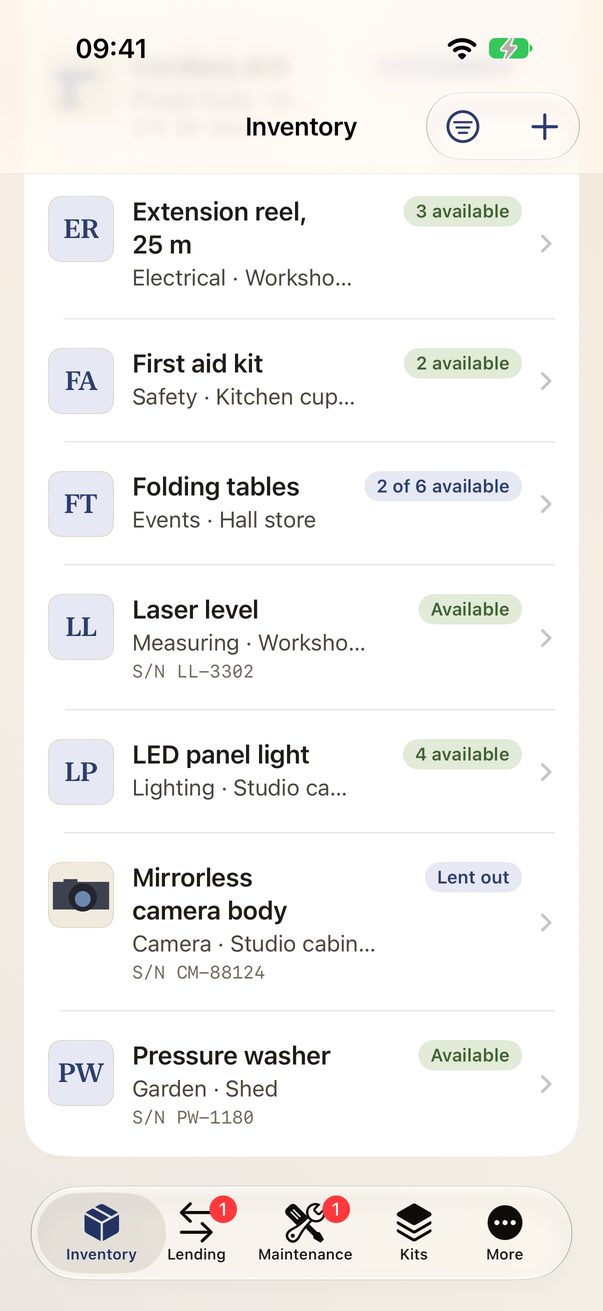
Spreadsheets and memory fail at the same moments. Kittori is built around them.
Every loan records the borrower, how many and when it is due. Overdue loans are labelled in words, not only in colour.
The Lending view shows what is out, what is overdue and what was returned — and each return is recorded once.
Maintenance keeps a schedule and a history: complete a task and set the next date in one step.
A focused tool for households, workshops, studios, clubs and small teams who lend things to people they know.
Name, category, location, tags, quantity, serial number, notes and a photo for each item. Search by name, tag, serial or notes, and filter by availability, category and location together.
Lend part of a quantity with a due date, see what’s overdue at a glance and record each return once. Every change stays in the item’s history.
Schedule care, see what’s due in the next two weeks, and complete a task with a follow-up date in one step. Completed work stays on record.
Group items that travel together — a video kit, a camping set — and see instantly whether everything is back on the shelf.
Bring items in from CSV. Kittori checks every row first, flags errors and duplicates, and asks how to treat duplicates before anything changes. Export CSV any time.
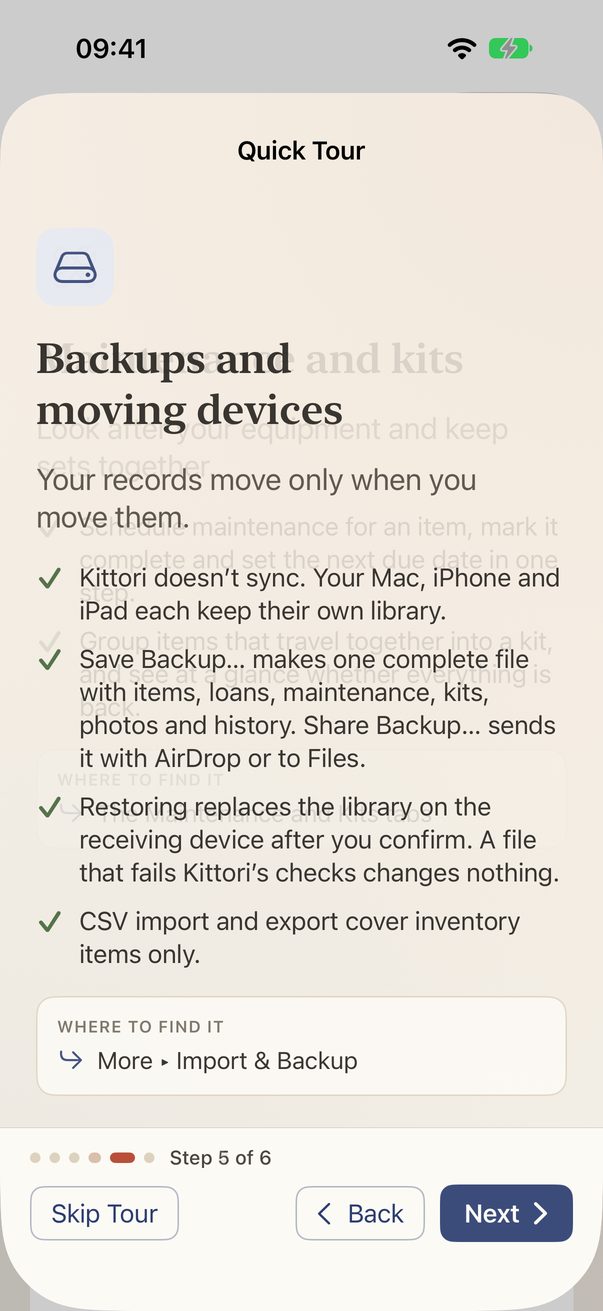
A backup is one file with every item, loan, maintenance entry, kit, photo and the full history, up to Kittori’s maximum backup size. If a library is too large for one backup file, Kittori says so and does not make one. Restoring asks for confirmation, and a file that fails Kittori’s checks changes nothing.
Kittori is a real Mac, iPhone and iPad app — with a sidebar and keyboard shortcuts on the Mac, tabs on iPhone, and on iPad a split view at regular width or tabs when the window is narrow.
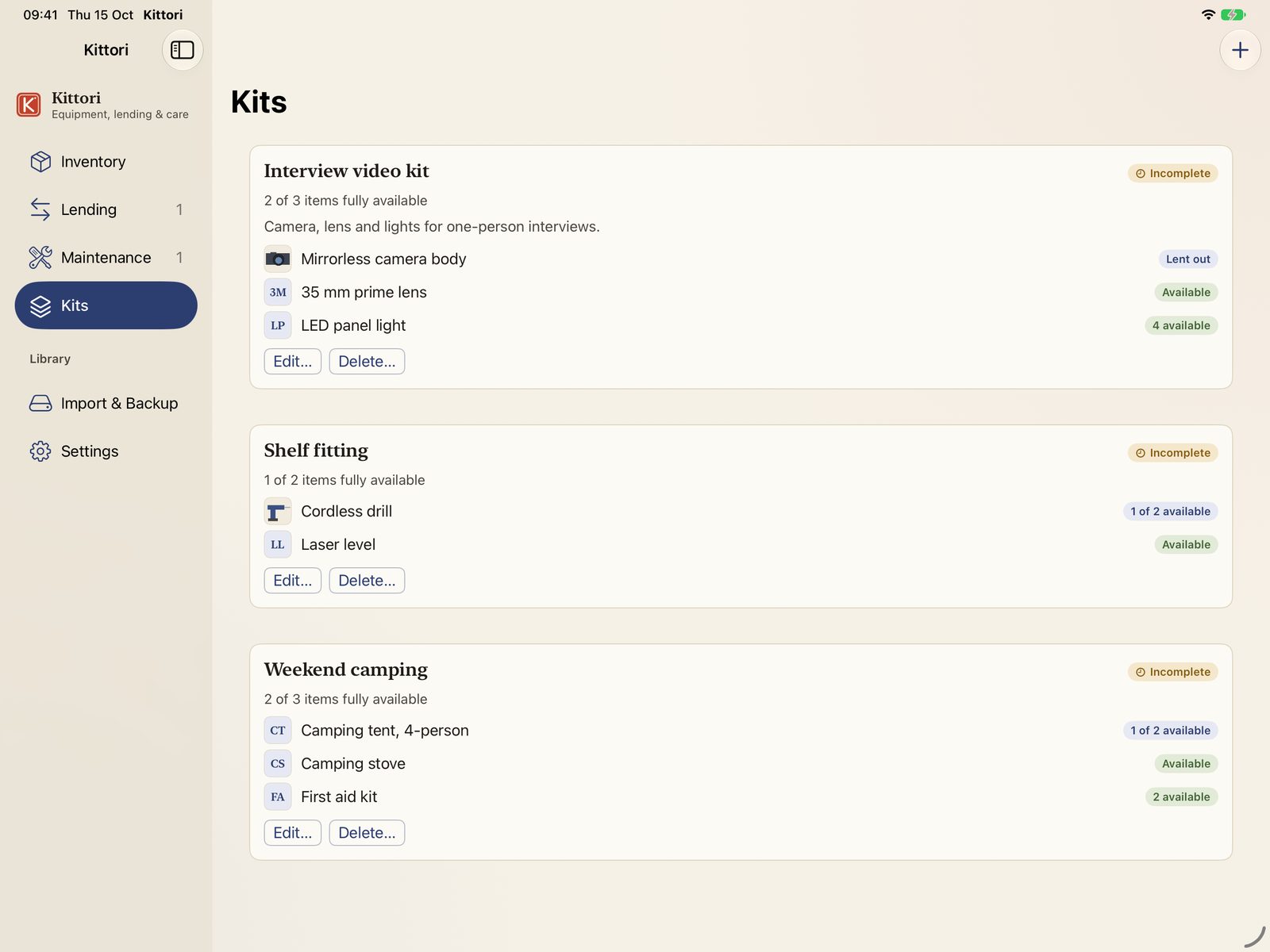
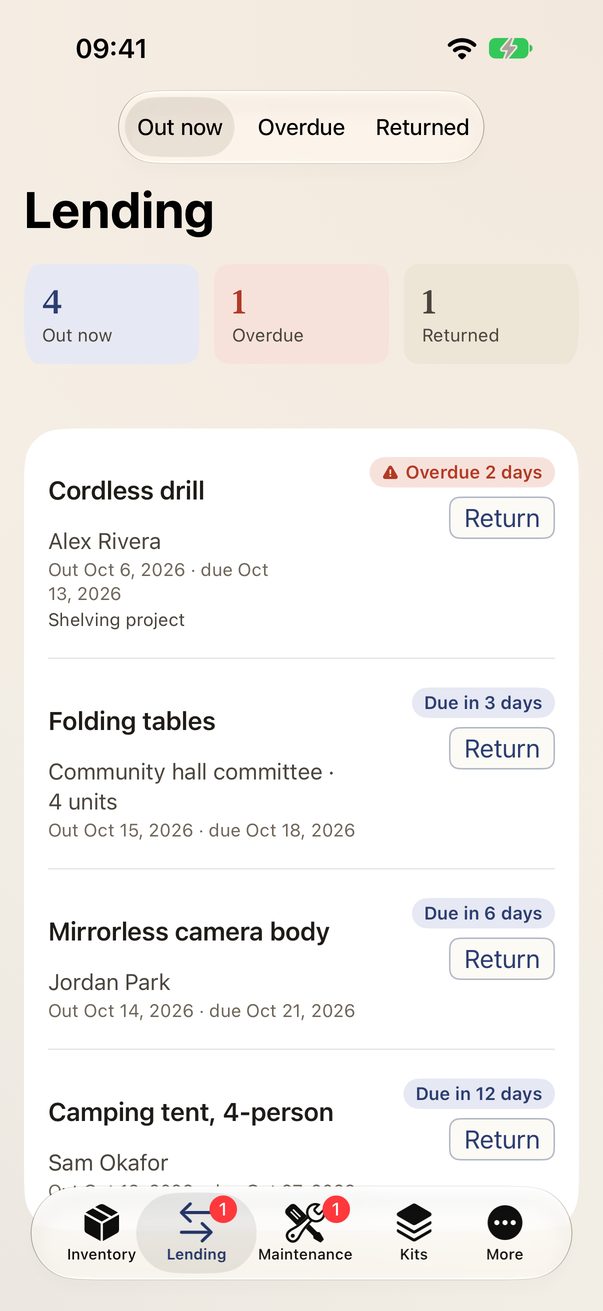
Menus and shortcuts for everything: ⌘N new item, ⌘L lend, ⌘F find. Open a backup from Finder to restore it.
Lend or check something in at the shelf. Add a photo straight from your library.
List and details side by side at regular width, with keyboard shortcuts when a keyboard is attached.
Actual screenshots of Kittori 1.0 (build 2) on iPad and iPhone simulators, with example records. Requires macOS 14, iOS 17 or iPadOS 17 or later.
Kittori doesn’t sync in the background. Each device keeps its own library, and you decide when records move — so you always know which copy is current.
On the device with your current records, choose Share Backup… to send it with AirDrop, or Save Backup… to Files, iCloud Drive or a drive you choose.
Open the backup file there, or choose Restore from Backup…. Kittori checks it and shows what it contains.
Review the summary and confirm. The receiving library is replaced by the backup; if the file is rejected, nothing changes.
No automatic sync. Kittori is designed for one person or household managing one library. Backups aren’t encrypted by Kittori, so keep them somewhere you trust.
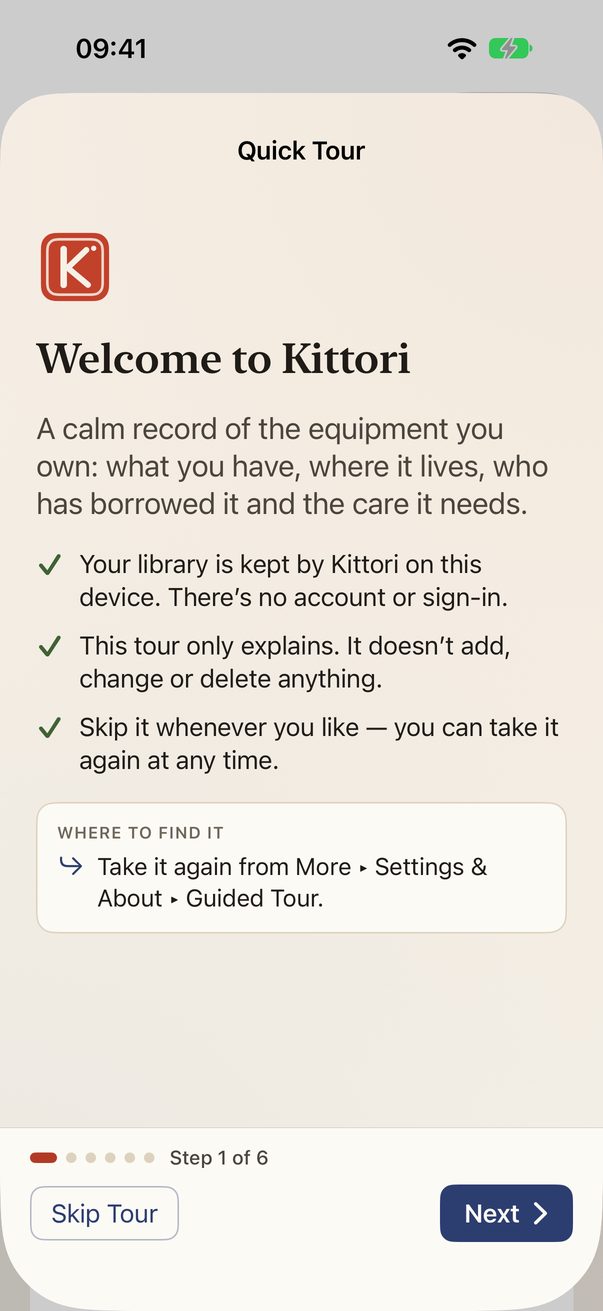
Kittori opens to an empty library that is yours from the first item — no account, no sign-in, no example data to clear away.
Your inventory is your business. Kittori keeps it on your device and sends nothing to the developer.
Kittori is planned as a paid app on the App Store: buy it once and use it on your Mac, iPhone and iPad.
Coming to the App Store
Kittori is not available to buy yet. When it is, the App Store will show the price in your country and currency.
No. Each device keeps its own library, and you move records with a backup file when you choose. This keeps Kittori free of accounts and servers. How to move your library.
People who look after equipment and lend it to others they know: households, makerspaces and workshops, studios and freelancers, clubs and community groups. It isn’t built for multi-user teams editing at once, barcode fleets, rentals or invoicing.
Yes. Updating Kittori keeps your library. If an update changes the storage format, Kittori upgrades it automatically and keeps a safety copy first. It’s still wise to save a backup regularly.
Email support@kittori.app, or see the support page for answers to common questions.